A placeholder assetlinks.json in prod, and your deeplinks are interceptable
App Links verification fails silently when the file is a copy-pasted example. Your links become interceptable by other apps. Detectable with one command.
The file is online, the app installs, links open. Everything looks fine. And yet: App Links verification failed silently, and any app can intercept your links.
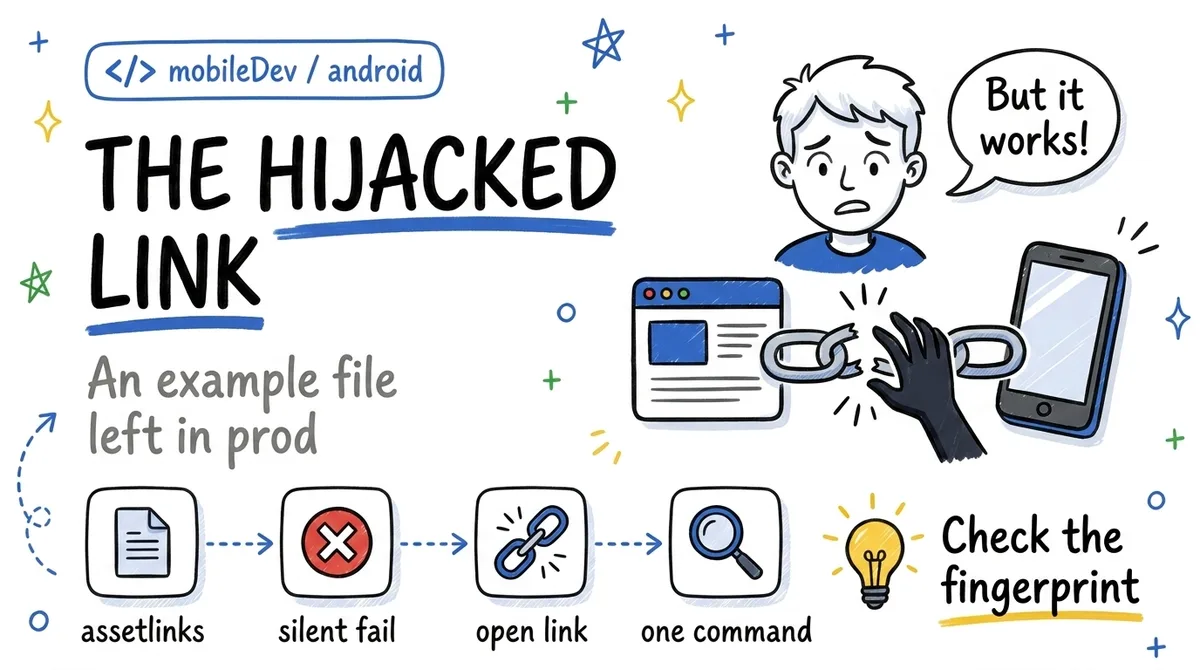
I run into this mistake regularly during audits, and it has one defining trait: it produces no visible symptom for the team.
The mechanism
On Android, App Links rely on proof of domain ownership. The intent filter declares android:autoVerify="true", and at install time the system fetches https://your-domain.com/.well-known/assetlinks.json. That file must list the app's package name and the SHA-256 fingerprint of its signing certificate.
If everything matches, your https://your-domain.com/... links open your app directly, no chooser involved.
The problem: this file is often copied from the docs or a CI template, with the example package name or the debug keystore fingerprint. And then:
- No build error. The file is not validated at compile time.
- No runtime crash. The app works normally.
- Verification fails silently at install. The system just marks the domain as unverified.
Why this is a security problem, not just UX
Without verification, your https links fall back to plain deeplinks: any installed app can declare the same URL pattern and show up in the chooser, or even capture the link directly depending on the Android version.
Now run that scenario against the links apps actually send: login magic links, password reset links, OAuth callbacks. A malicious app on the device can position itself on those URLs. App Links verification is precisely the mechanism that prevents this, and it is the one broken by the placeholder.
Detectable with one command
Device side:
adb shell pm get-app-links your.package.name
# → "verified" or "none", domain by domain
Server side, compare what the file declares with the real signing fingerprint:
curl -s https://your-domain.com/.well-known/assetlinks.json
# vs the actual prod certificate fingerprint:
keytool -printcert -jarfile app-release.apk | grep SHA256
If the file's fingerprint does not match the certificate (or the package name is still com.example.app), you found the bug. This comparison is part of my systematic audit checklist, because in years of practice I have almost never seen a team do it on their own: the file has "worked" since day one, nobody ever touches it again.
iOS has the exact same mechanism with apple-app-site-association, and the exact same silent failure mode.
Takeaways
- An example
assetlinks.jsonpasses every build and every functional test: the verification failure is invisible. - Without verification, your sensitive links (auth, reset, OAuth) are interceptable by another app on the device.
adb shell pm get-app-links+ fingerprint comparison: two commands, ten seconds, add them to your release checklist.
When did you last check what your assetlinks.json actually contains?