Adding an iOS tester without touching the Apple portal — Bitrise Test devices
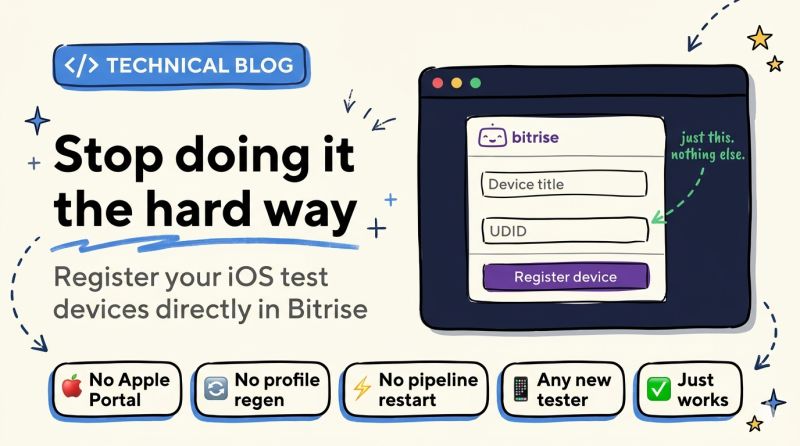
No more UDID registration on the Apple Developer Portal and manual provisioning profile regeneration — Bitrise handles the integration at build time.
This week I needed to add a new device for an iOS tester.
The usual routine
- Ask for the UDID
- Go to the Apple Developer Portal
- Register the device
- Regenerate the provisioning profile
- Update Bitrise
- Re-run the pipeline
It works. But it's slow, tedious, and done by hand for every new tester.
The discovery
While doing all that, I stumbled on a Bitrise feature I should have been using for ages.
Test devices (in Account Settings) lets you register the UDID directly in Bitrise. It then automatically handles the provisioning profile integration at build time.
Next time
- Ask for the UDID
- Add it in Bitrise
That's it.
No trip back to the Apple portal. No manual regeneration. No pipeline update.
The complexity of iOS codesigning doesn't disappear. But good tools make sure it no longer slows you down.
What's the CI/CD feature you discovered too late?