The "read-only" GCS role that exposes your full file listing
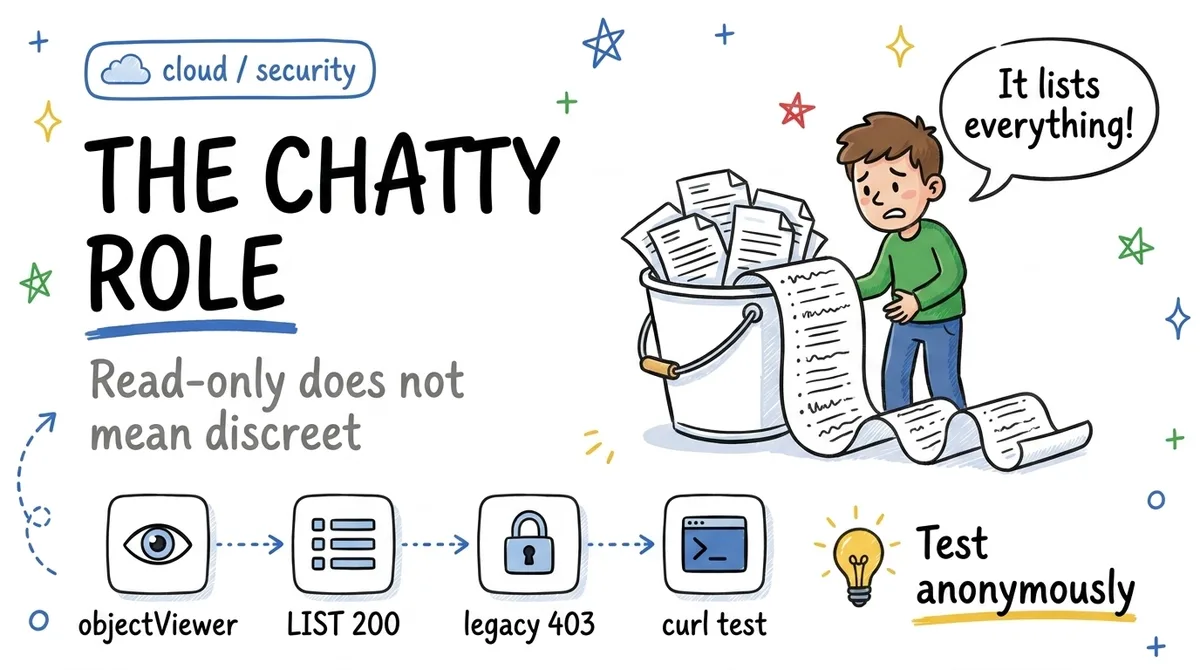
On a public bucket, objectViewer allows full anonymous LIST where legacyObjectReader blocks it. One permission makes the difference. Tested with curl.
A "read-only" GCS role can expose your complete file listing anonymously. I tested it, GET and LIST side by side, and the most recent role is the chattiest one.
The test
A bucket serving public files by direct URL. Two ways to grant read to allUsers:
roles/storage.objectViewer, the modern role recommended everywhere:
GET  https://storage.googleapis.com/BUCKET/object.jpg  → 200
LIST https://storage.googleapis.com/storage/v1/b/BUCKET/o → 200, the full listing
roles/storage.legacyObjectReader, the "legacy" role the console discourages:
GET  https://storage.googleapis.com/BUCKET/object.jpg  → 200
LIST https://storage.googleapis.com/storage/v1/b/BUCKET/o → 403
Reproduce it yourself, no authentication:
curl -s "https://storage.googleapis.com/storage/v1/b/YOUR_BUCKET/o?maxResults=10"
If that command returns JSON with your object names, anyone on the Internet has the same view.
The difference: one permission
objectViewer contains storage.objects.list. legacyObjectReader only contains storage.objects.get. That is the whole story.
For internal use, listing is a convenience. Granted to allUsers, it is an enumeration capability: object keys often reveal user IDs, document names, dates, internal structure. If your URLs contain an "unguessable" UUID, URL obscurity may have been your only barrier: anonymous LIST removes it in one request.
The three reflexes
For public content served by direct URL: legacyObjectReader. The "legacy" prefix discourages, wrongly. It is exactly the role that grants GET without LIST. The most recent role is not the safest one; here it is the opposite.
For any bucket that must never be public: publicAccessPrevention: enforced. It is a deliberate lock: reversible by whoever has the rights (unless an inherited org policy says otherwise), but it turns a silent IAM mistake into a deliberate, audited action.
In the audit checklist: the anonymous curl. GET on a known object, LIST on the bucket, no credentials. Ten seconds, and it is the only test that reflects what a stranger actually sees, regardless of what the console shows.
Takeaways
objectViewerforallUsers= GET 200 and LIST 200: full bucket listing exposed.legacyObjectReader= GET 200 and LIST 403: the only difference isstorage.objects.list.- Public by direct URL: legacy. Never public:
publicAccessPreventionas a deliberate lock. In both cases: test anonymously with curl.
Have you ever run the anonymous LIST against your own buckets?