webcredentials — the 3 lines that connect the iCloud Keychain to your app
Associated Domains, apple-app-site-association and Flutter AutofillHints — the config that enables iOS autofill and lays the groundwork for passkeys.
Your app still asks users to type login + password. The iCloud Keychain already knows them. 3 lines are missing.
You know that feeling: you open an app, and right above the keyboard iOS offers your username. One Face ID tap, you're logged in.
That's not magic. That's webcredentials.
And most apps never configure it.
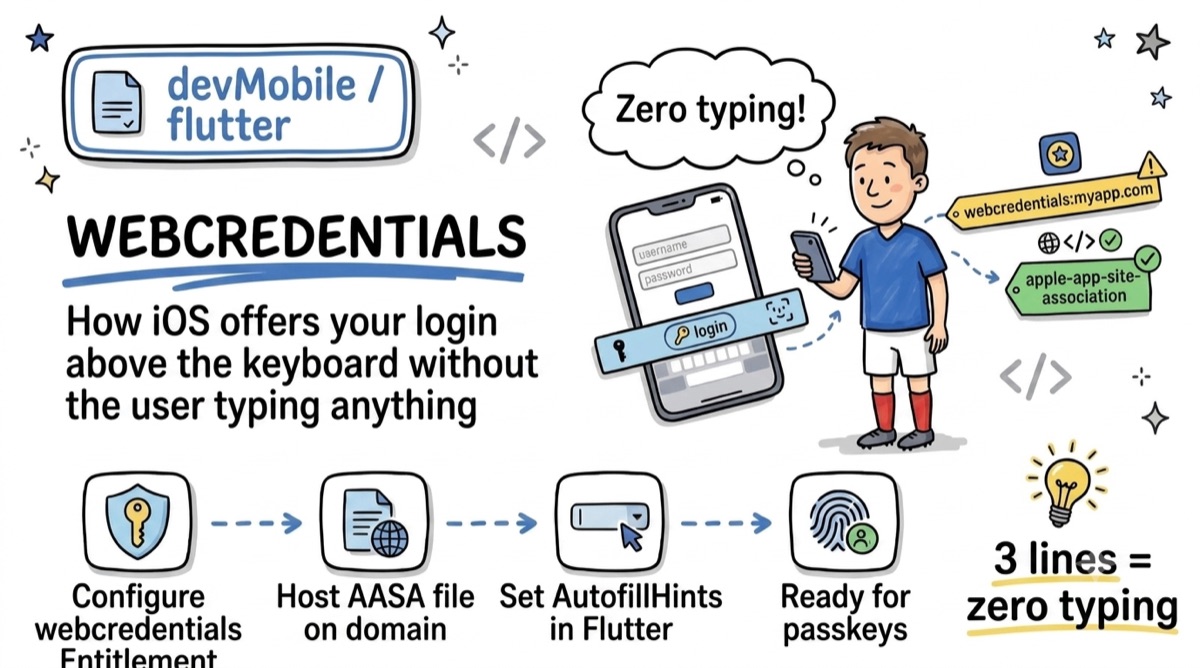
The principle
Create a trust link between your app and your domain, so iOS agrees to share Keychain credentials.
It happens in two places:
1️⃣ App side
Add the Associated Domains entitlement:
webcredentials:myapp.com
2️⃣ Server side
Host the apple-app-site-association file at:
https://myapp.com/.well-known/apple-app-site-association
with your App ID in the webcredentials section.
Served over HTTPS, JSON content-type, no redirect, no file extension. Otherwise Apple ignores it silently.
⚠️ The Flutter trap
The domain association is not enough. You also have to tell iOS which fields are involved: AutofillHints.username and AutofillHints.password, wrapped in an AutofillGroup.
And crucially: TextInput.finishAutofillContext() on submission, to trigger the save-password prompt.
Many stop at the entitlement and wonder why nothing shows up.
The bonus worth the detour
👉 The same webcredentials you configure in 2 minutes is the prerequisite for passkeys.
The brick you never laid since 2017 has become the gateway to passwordless authentication.
💡 3 lines of config = zero typing, and the ground ready for passkeys.