Speed up your Flutter test cycles with CallbackShortcuts
Clear the cache, fill a form, inject a test password with a single keystroke — no Intent class, no Action, and stripped from release builds.
Clearing the app cache, filling the same form ten times, retyping the same test password… what a grind. Every manual test cycle cost 30 seconds of repetitive fiddling.
Then I discovered CallbackShortcuts in Flutter.
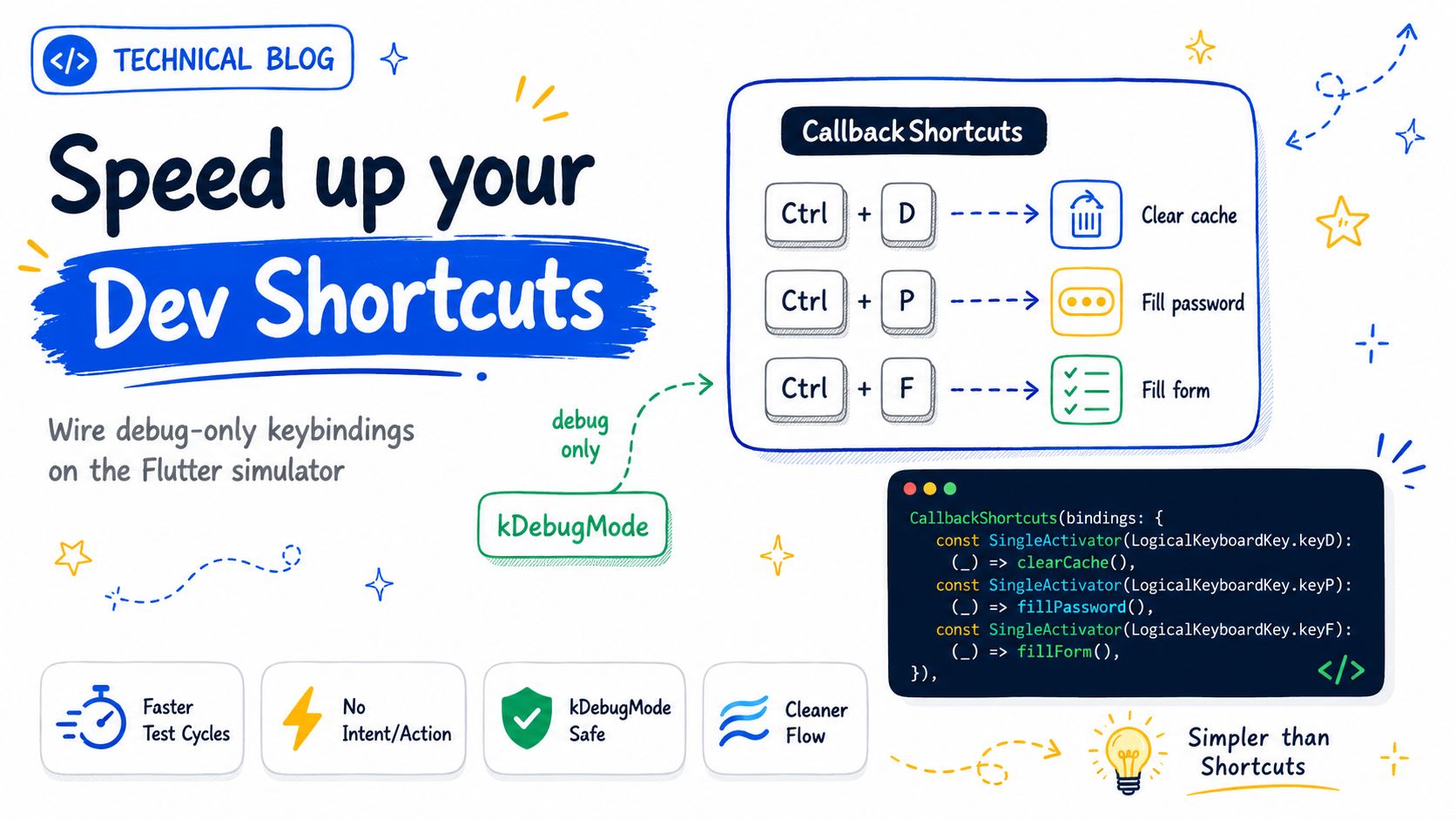
No Intent class, no Action
Flutter's classic shortcut system (Shortcuts + Actions) requires declaring an Intent class, an Action, then wiring them together. For throwaway debug tooling, that's overkill.
CallbackShortcuts is just a map binding a key to a function:
- Ctrl + D → clears the cache
- Ctrl + P → injects the test password
- Ctrl + F → fills the whole form
CallbackShortcuts(
  bindings: {
    const SingleActivator(LogicalKeyboardKey.keyD, control: true): clearCache,
    const SingleActivator(LogicalKeyboardKey.keyP, control: true): fillPassword,
    const SingleActivator(LogicalKeyboardKey.keyF, control: true): fillForm,
  },
  child: Focus(autofocus: true, child: app),
)
Invisible in production
Everything is wrapped behind kDebugMode: the shortcuts vanish entirely from the release build. No risk of a user triggering a debug tool by accident.
Widget wrapWithDevShortcuts(Widget app) {
  if (!kDebugMode) return app;
  return CallbackShortcuts(/* bindings */, child: app);
}
The result
What used to cost me 30 seconds per cycle is now instant. Over a day of building a form screen, that's dozens of minutes back — and far less friction to test often.
What about you — which dev shortcuts save you the most time?