Apple rejected our app over a bug… in iPadOS — and a reboot unblocked everything
App Store rejection for an empty keyboard that also broke in Safari and iPadOS search. A phone escalation with Apple, and the great classic fix — reboot.
Apple rejected our app over a bug that, in reality, wasn't even ours. It came from iPadOS. Guess what finally unblocked everything?
A simple reboot!
Let me tell the story, because it's worth the detour.
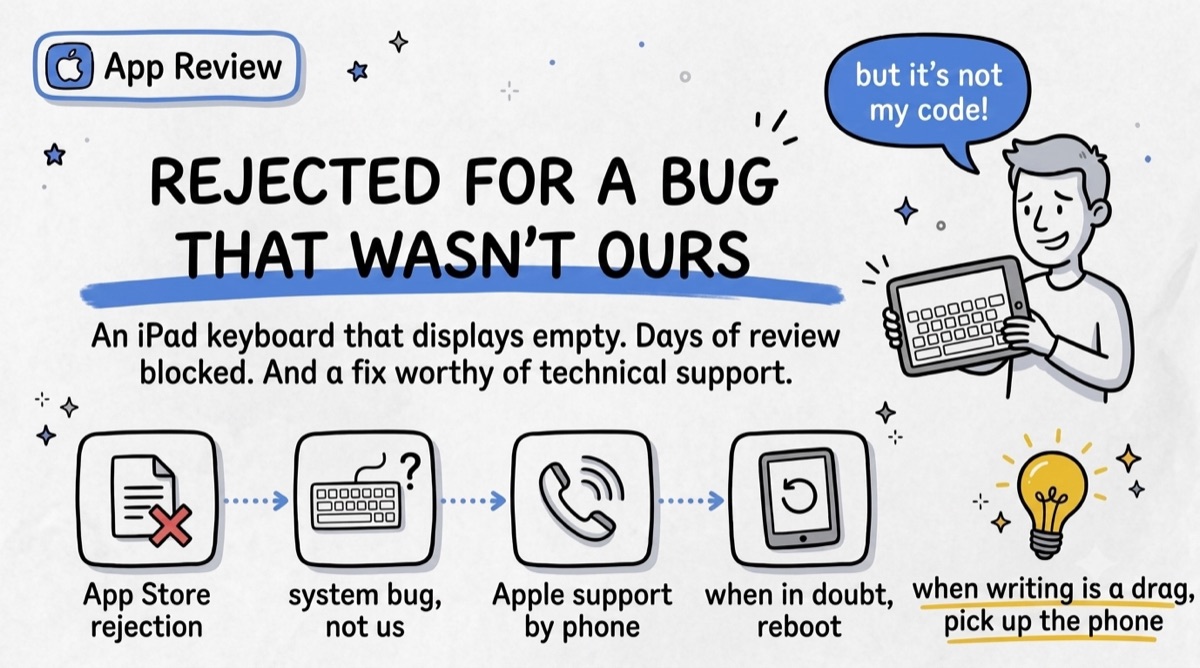
The rejection
One morning, App Store review rejection. On iPad, our keyboard sometimes displayed completely empty: invisible keys, unusable input screen. Naturally, we dove into our code looking for what we'd broken. And found nothing — because there was nothing to find.
A system bug, not a homemade one
While reproducing the bug, we grasped the scale of it: it didn't break only in our app. The keyboard also went blank in Safari, and even in iPadOS search, entirely outside our app. We were holding a system bug.
The problem: explaining that through back-and-forth messages in the review tool went nowhere. Several days without the slightest progress.
What got us out
First, Apple support on the phone: a real person, an escalation, someone taking the time to listen to the context instead of re-reading a rejection report. In one call, what days of messages hadn't resolved finally moved.
Then, the dumbest solution in the world: rebooting the iPad. The keyboard comes back, at least temporarily. This whole saga, and the fix of the moment fit in a restart.
What I take away
- Review tests your app in the real world, with third-party keyboards, languages and configs you never test yourself.
- When writing stalls, pick up the phone: human escalation at Apple unblocks situations the tool never will.
- And never forget tech's great classic, the one we always end up forgetting. When in doubt: reboot!
And you — what did your last review trip over?